See MapTrack in action
Take a live, one-on-one tour with a product expert to see how MapTrack helps you track assets in real time, improve team efficiency, and prevent costly downtime.
Toolroom Setup + Signage Template Pack
Jun 22, 2025
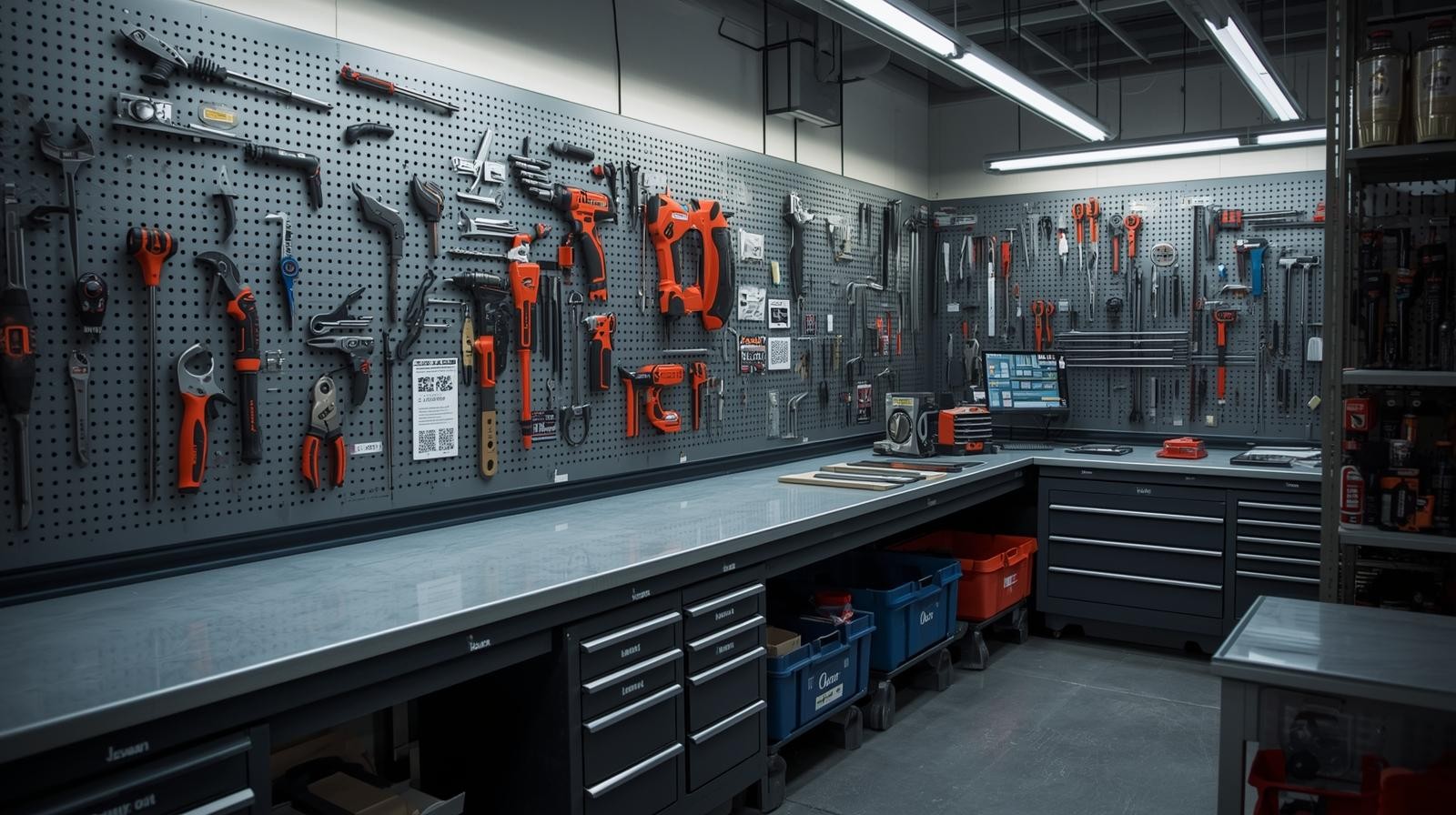
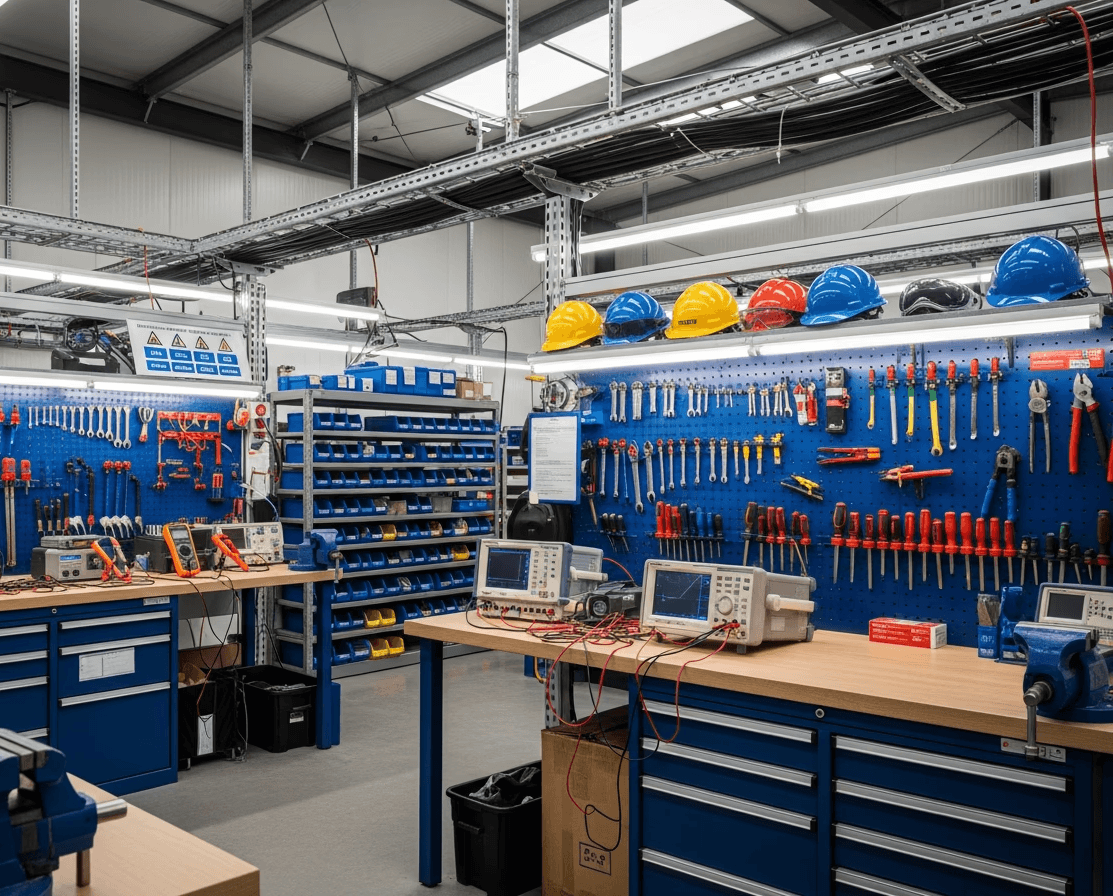
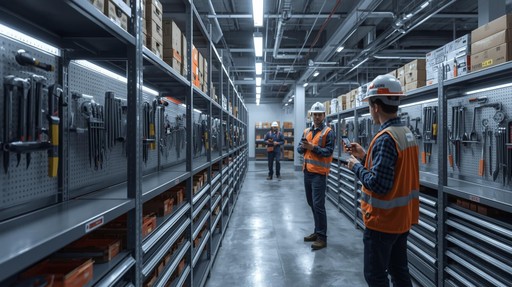
Well-designed toolrooms help companies maintain organisation, improve technician efficiency, reduce tool loss, and support workplace safety. Whether you operate in construction, mining, HVAC, plumbing, manufacturing, or facilities management,
having a clear setup and proper signage ensures tools are stored, tracked, and returned consistently.
This article provides a complete guide for building an effective toolroom and includes a signage template pack to standardise your system.
Why Toolroom Setup Matters
Prevents Tool Loss and Misplacement
A disorganised toolroom leads to tools being borrowed without records or placed in the wrong bins.
Impact
Time wasted searching
Increased replacement costs
Workflow disruptions
Summary: Organisation and signage create accountability and order.
Improves Technician Efficiency
A clear tool layout shortens tool retrieval time.
Benefits
Faster shift starts
Less downtime
Better workflow clarity
Summary: A well-structured toolroom increases productivity.
Enhances Safety and Compliance
Improper storage causes trip hazards, damaged tools, or uninspected equipment.
Issues
Using unsafe tools
Lack of inspection visibility
Clutter affecting safe movement
Summary: Signage and structure create a safer workplace.
Standardises Processes Across Teams
A toolroom must support crews working different shifts.
Challenges
Inconsistent tool placement
Confusion between teams
Lack of shared rules
Summary: Standard templates eliminate guesswork.
Toolroom Setup Best Practices
Start with a Clear Layout Plan
Identify zones for each tool category.
Recommended Zones
Power tool wall
Hand tool racks
PPE area
High-value tool cabinet
Consumable shelves
Maintenance/repair bench
Summary: Zoning creates predictable organisation.
Use Shadow Boards and Labeling
Shadow boards visually show where each tool belongs.
Benefits
Quick identification of missing tools
Faster return process
Reduces clutter
Summary: Visual organisation improves tool accountability.
Apply Consistent Signage Across the Toolroom
Signage helps technicians instantly understand where items belong.
Examples
Tool category signs
Safety signage
Return procedure posters
QR code scanning stations
“Missing Tool?” reporting sign
Summary: Signs support clarity and consistent usage.
Include a Check-In/Check-Out Station
This ensures tools are tracked as they move in and out of the toolroom.
Components
QR or barcode scanner
Tablet or mobile device
Tool assignment board
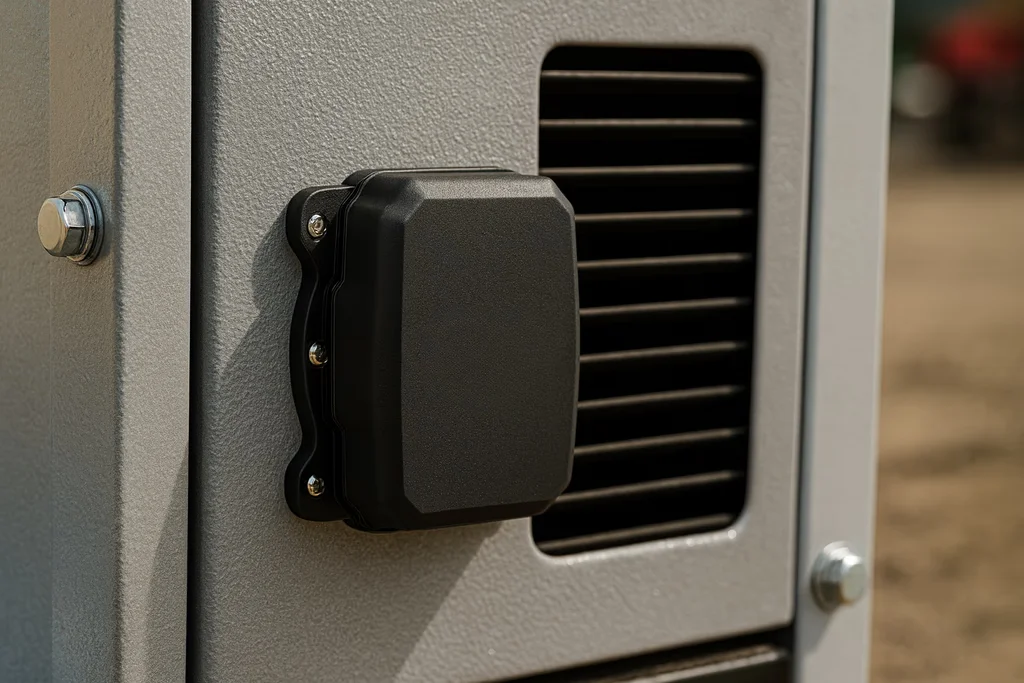
Charging station for digital assets
Summary: Tracking tools prevents loss and improves accountability.
Store High-Value Tools in Secured Areas
High-cost or high-risk tools require extra control.
Storage Options
Lockable cabinets
Smart locks
Restricted-access tool cages
Summary: Security reduces theft and improves compliance.
Provide Signage for Toolroom Rules
Teams need shared expectations.
Include
Borrowing rules
Return deadlines
PPE requirements
Report-damage procedure
Summary: Rules reduce confusion and conflict.
Conduct Routine Inspections
Regular checks keep the toolroom safe and organised.
Inspect
Tool condition
Signage clarity
Storage integrity
Inventory levels
Summary: Routine checks sustain long-term order.
Signage Template Pack (Text-Based Content)
Below are text-ready templates you can use to create your own posters, stickers, or signage.
Tool Category Signs
POWER TOOLS
HAND TOOLS
PPE STATION
CONSUMABLES
HIGH-VALUE TOOLS
RETURN BIN
TOOL REPAIR BENCH
CLEANING SUPPLIES
Procedure Sign Templates
Tool Checkout Procedure
Scan QR code
Select your name
Assign tool
Confirm condition
Tool Return Procedure
Clean and inspect tool
Scan return QR code
Report any damage
Place in correct bin
Missing Tool Sign
MISSING A TOOL?
Scan the QR code to report missing items immediately.
Unreported missing tools may delay operations.
PPE Required Sign
PPE REQUIRED BEFORE ENTRY
✓ Safety boots
✓ Eye protection
✓ High-vis clothing
Restricted Area Sign
AUTHORISED PERSONNEL ONLY
High-value tools stored inside.
Practical Example: Toolroom Upgrade for a Construction Company
A construction firm managing 200+ tools across multiple crews struggled with disorganisation and missing items.
Before
No signage
Tools scattered across shelves
No digital logs
Frequent tool shortages
After Implementing the Toolroom & Signage System
Added shadow boards and labeled zones
Installed QR-based tracking at entry point
Standardised signage for procedures
Defined high-value tool cabinet access
Outcome: Tool loss dropped by 70%, and technicians retrieved tools 40% faster.
How MapTrack Supports Toolroom Management
MapTrack enhances toolroom efficiency with digital tracking and workflow automation.
QR & Barcode Scanning for All Tools
Technicians scan tools to check them in or out instantly.
Digital Checklists for Toolroom Inspections
Ensures consistent organisation and cleanliness.
Assignments for Tools, Technicians, or Vehicles
Improves accountability and prevents mix-ups.
Condition Reporting
Technicians can submit photos and notes for damaged tools.
Summary: MapTrack modernises toolrooms with visibility, structure, and automation.
FAQ
What tools should be stored in a controlled toolroom?
Power tools, specialty tools, PPE, calibration equipment, and high-value assets.
Do QR codes work well in toolrooms?
Yes—QR codes support fast, accurate tool identification.
How does signage reduce tool loss?
It visually guides technicians, preventing misplacement and confusion.
Should consumables be tracked?
Yes—tracking consumables improves forecasting and prevents shortages.
Does MapTrack help manage toolrooms across multiple sites?
Yes—MapTrack supports multi-location operations.
How often should toolrooms be inspected?
Weekly inspections are common, but high-volume operations may need daily checks.
Conclusion & Actionable Takeaways
To build an efficient toolroom, companies should:
Create clear layout zones
Use shadow boards and consistent signage
Implement digital check-in/check-out
Secure high-value tools
Track consumables
Standardise rules and workflows
Use digital inspection routines
MapTrack supports toolroom efficiency with real-time visibility, tracking, and organised workflows that prevent tool loss and improve daily operations.